Summary Vizard AI simplifies the process of turning long videos into engaging short clips tailored for social media. Its features cater to diverse needs such as transcription, translation, and platform-specific optimization.
Vizard AI
Vizard AI automates video editing, transforming lengthy videos into social media-ready clips. Ideal for creators, marketers, and businesses.
Community:
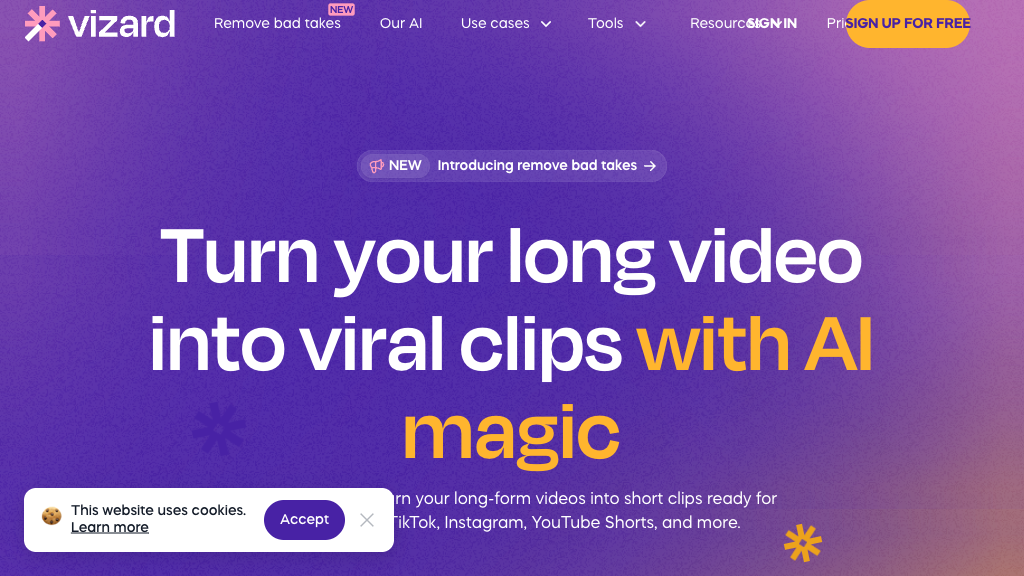
Vizard AI - Reviews: User Feedback, Features, Pros & Cons
Key Features
- AI Clipping and Highlight Detection: Extracts key moments from videos to create impactful clips with minimal effort.
- Text-Based Video Editing: Allows users to edit videos by modifying transcript text for precise adjustments.
- Multilingual Transcription and Captioning: Provides transcriptions and translates captions into multiple languages.
- Social Media Optimization: Facilitates video formatting for various platforms with one-click resizing.
Typical Use Cases
Content Creators and Podcasters
Create compelling short clips from longer content to enhance social media engagement.
Create compelling short clips from longer content to enhance social media engagement.
Digital Marketers
Transform webinars and promotional material into multiple posts to boost marketing strategies.
Transform webinars and promotional material into multiple posts to boost marketing strategies.
Businesses and Coaches
Develop shareable content from interactions like client calls to strengthen personal branding.
Develop shareable content from interactions like client calls to strengthen personal branding.
Best For
- Content creators (because it streamlines video editing)
- Marketing teams (because it enhances campaign efficiency)
- Small businesses (because it helps maintain brand consistency)
Read More
Avoid
- Users needing offline access
- Non-English speakers without translation needs
- Solely manual editors preferring traditional software
Pricing Overview
The platform offers a free starter plan with basic features; more advanced functionalities require a paid subscription.
FAQ
- Is Vizard AI free to use?
Vizard AI offers a free starter plan with limited upload time and access to basic features; advanced tools require a paid subscription. - What video formats does Vizard support?
Vizard supports common video formats like MP4, MOV, AVI, and also accepts video URLs from platforms such as YouTube. - Can I edit the video transcript generated by Vizard?
Yes, the platform allows you to review and edit the transcription before finalizing your video. - Does Vizard support caption translation?
Yes, Vizard can translate captions into over 100 languages to help you reach a global audience.
Verdict
Vizard AI offers an efficient solution for those looking to repurpose long-form videos into concise clips suitable for various social media channels. While it excels in automation and ease of use, users may need to make manual adjustments for optimal results. Overall, it's a valuable tool for content creators aiming to enhance their digital presence.
Vizard AI Reviews
No reviews
Top Regions of Vizard AI
🇺🇸United States:11.64%
🇮🇳India:11.30%
🇧🇷Brazil:6.05%
🇰🇭KH:5.62%
🇳🇵NP:3.85%
🌍Others:61.54%
Vizard AI Traffic Trends
Monthly Visits: 1.51M