Summary Trae provides a comprehensive AI-assisted coding environment that enhances productivity with features like intelligent code completion and real-time debugging support. It caters to both individual developers and collaborative teams by streamlining project workflows and facilitating efficient communication.

Trae
Trae is an AI-powered IDE enhancing developer productivity with intelligent code completion and conversational assistance, ideal for coders seeking efficiency.
Community:
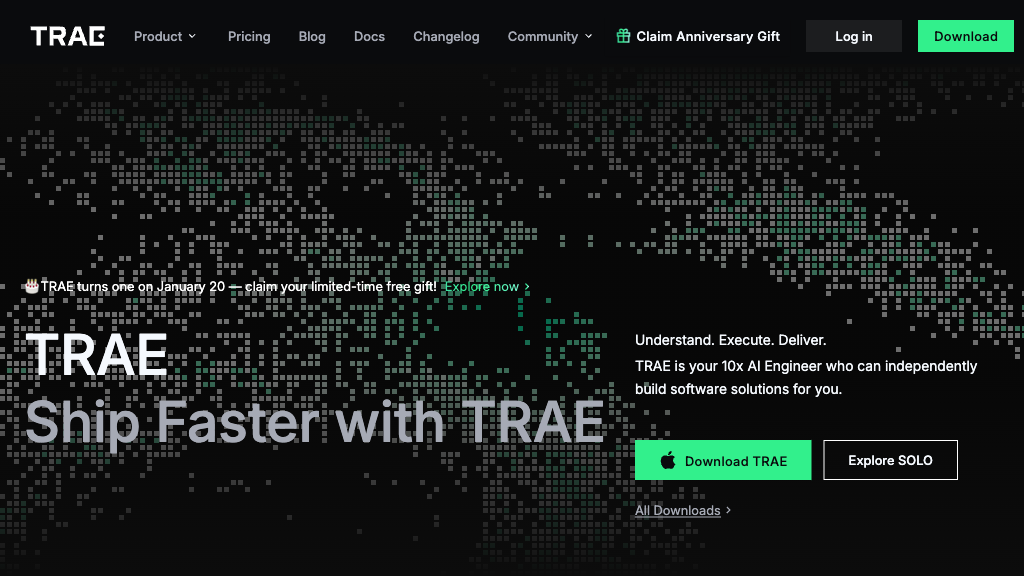
Trae - Reviews: User Feedback, Features, Pros & Cons
Key Features
- Intelligent Code Completion: Provides context-aware suggestions to accelerate coding tasks.
- Conversational AI Assistance: Allows real-time interaction for code queries and clarifications.
- Builder Mode for Automated Development: Converts project specifications into structured applications.
- Multimodal Context Understanding: Analyzes workspace elements for accurate assistance.
Typical Use Cases
Accelerated Software Development
Utilize AI-driven code generation to build applications swiftly from natural language inputs.
Utilize AI-driven code generation to build applications swiftly from natural language inputs.
Efficient Debugging and Code Optimization
AI tools identify issues and suggest improvements, enhancing code quality efficiently.
AI tools identify issues and suggest improvements, enhancing code quality efficiently.
Learning and Collaboration
Facilitates understanding and teamwork with conversational support for explaining code concepts.
Facilitates understanding and teamwork with conversational support for explaining code concepts.
Best For
- Individual developers (because it boosts productivity with intelligent tools)
- Coding teams (because it supports collaboration through conversational AI)
- Beginners (because it offers easy-to-understand explanations and guidance)
Read More
Avoid
- Windows users currently (due to incomplete platform support)
- Non-AI enthusiasts (due to its heavy reliance on AI tools)
- Simplistic projects (as its capabilities might be underutilized)
Pricing Overview
The tool is freely accessible with unlimited usage of certain AI models, making it cost-effective for developers looking to integrate advanced AI functionalities without upfront costs.
FAQ
- What AI models does Trae use?
Trae integrates advanced models including Claude 3.7 Sonnet, GPT-4o, and ByteDance’s own Doubao-1.5-pro. - Which platforms does Trae support?
Trae is currently available on macOS, with Windows support under development. - How does Builder mode work?
Builder mode converts natural language project descriptions into structured code by breaking down tasks and generating files automatically. - Can Trae help with debugging?
Yes, Trae offers real-time bug detection and AI-suggested fixes to speed up error resolution. - Is Trae suitable for beginners?
Absolutely, Trae’s conversational AI assists with code explanations, examples, and step-by-step guidance. - Does Trae support multiple programming languages?
Yes, Trae supports a wide range of languages and allows importing configurations from VSCode and Cursor AI. - Is Trae free to use?
Trae currently offers free access to its AI features, including unlimited use of certain AI models.
Verdict
Trae effectively combines artificial intelligence with traditional coding practices to enhance developer productivity. While it excels in providing intelligent assistance across various tasks, users should consider current platform limitations. Its innovative features make it a valuable tool for both novice and experienced developers aiming for efficient project execution.
Trae Reviews
No reviews
Top Regions of Trae
🇨🇳CN:38.97%
🇺🇸United States:6.72%
🇧🇷Brazil:5.69%
🇮🇳India:4.95%
🇮🇩ID:3.96%
🌍Others:39.71%
Trae Traffic Trends
Monthly Visits: 2.03M