Summary Spellbook integrates seamlessly into Microsoft Word to assist legal professionals with contract drafting and review. It automates routine tasks like redlining and compliance checks, enhancing efficiency while preserving data privacy.

Spellbook
AI-powered legal assistant for drafting, reviewing, and managing contracts in Microsoft Word, ideal for legal professionals seeking efficiency.
Community:
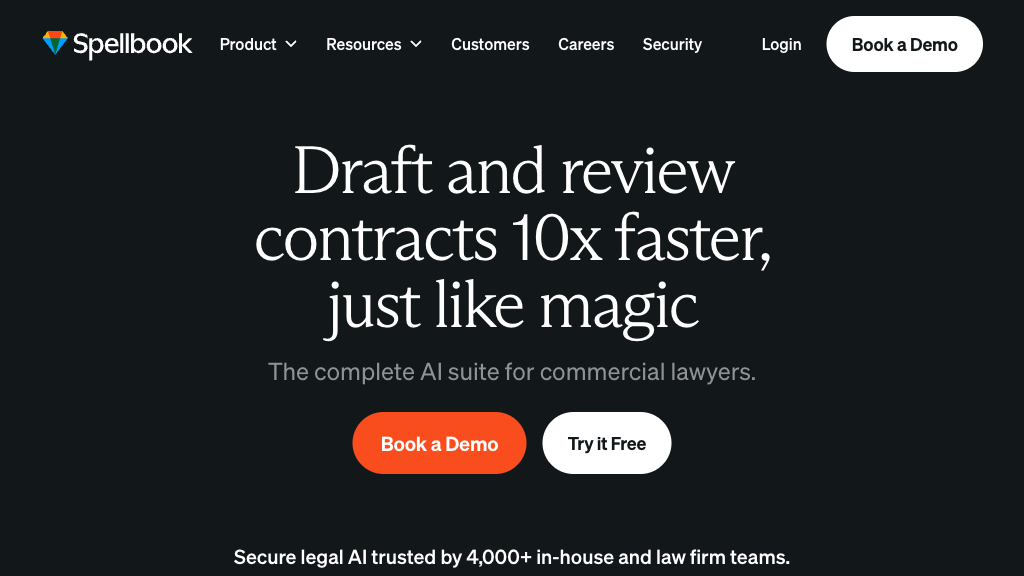
Spellbook - Reviews: User Feedback, Features, Pros & Cons
Key Features
- Seamless Microsoft Word Integration: Allows lawyers to work directly within Word without switching applications.
- AI-Powered Contract Drafting and Redlining: Generates tailored clauses and applies precise redlines based on user instructions.
- Custom Contract Playbooks: Automates review processes with detailed playbooks for consistency.
- Risk Detection and Compliance Checks: Identifies potential risks and suggests compliant alternatives.
Typical Use Cases
Contract Drafting
Quickly generate new contracts or clauses tailored to specific legal contexts using firm templates.
Quickly generate new contracts or clauses tailored to specific legal contexts using firm templates.
Contract Review and Risk Management
Identify risks and inconsistencies efficiently to ensure enforceability and compliance.
Identify risks and inconsistencies efficiently to ensure enforceability and compliance.
Negotiation Support
Provides suggested redlines to strengthen negotiation positions and streamline deal-making.
Provides suggested redlines to strengthen negotiation positions and streamline deal-making.
Best For
- Lawyers (because it automates drafting and reviewing tasks)
- In-house Legal Teams (because it enhances workflow efficiency)
- Legal Firms (because it ensures compliance with firm standards)
Read More
Avoid
- Sole reliance on AI without human oversight
- Users outside the Microsoft ecosystem
- Non-legal professionals seeking casual use
Pricing Overview
The pricing model is subscription-based, tailored for legal teams, offering features that scale with organizational needs.
FAQ
- Who can use Spellbook?
Spellbook is currently available exclusively to legal professionals such as lawyers and in-house legal teams. - How does Spellbook ensure data privacy?
Spellbook enforces a zero data retention policy, ensuring client data is never used for AI training or stored beyond the session. - Can Spellbook be used outside Microsoft Word?
Spellbook primarily integrates with Microsoft Word for drafting and reviewing contracts, but also offers a web app for multi-document workflows. - How does Spellbook improve contract review?
It automatically detects risks, non-compliant terms, and missing clauses, providing precise redlines and suggestions to enhance contract quality. - What is a contract playbook in Spellbook?
A contract playbook is a set of customized rules and instructions that automate contract review and drafting to align with firm standards. - Does Spellbook replace lawyers?
No, Spellbook assists lawyers by automating routine tasks but human oversight remains essential for final legal decisions. - Can Spellbook handle multi-jurisdictional contracts?
Yes, Spellbook is trained to recognize jurisdictional nuances and compliance requirements across multiple regions. - How accurate is Spellbook compared to general AI tools like ChatGPT?
Spellbook is specifically trained on billions of legal texts, reducing hallucinations and errors common in general AI models, making it more reliable for legal work.
Verdict
The tool effectively streamlines contract management through advanced AI capabilities integrated within Microsoft Word. While it excels in enhancing productivity for legal professionals, its optimal use remains within the Microsoft ecosystem. Its strong privacy measures make it a trustworthy choice for handling sensitive legal documents.
Spellbook Reviews
No reviews
Top Regions of Spellbook
🇺🇸United States:44.07%
🇨🇦CA:12.51%
🇦🇪AE:5.80%
🇬🇧United Kingdom:5.13%
🇹🇷TR:2.29%
🌍Others:30.20%
Spellbook Traffic Trends
Monthly Visits: 268.22K