Summary SlidesAI efficiently transforms text into structured presentations using AI. It offers customization options and supports multiple languages, making it suitable for diverse user needs. However, it currently integrates only with Google Slides.
SlidesAI
SlidesAI is an AI-driven tool that automates presentation creation, ideal for educators, business professionals, and marketers seeking efficiency.
Community:
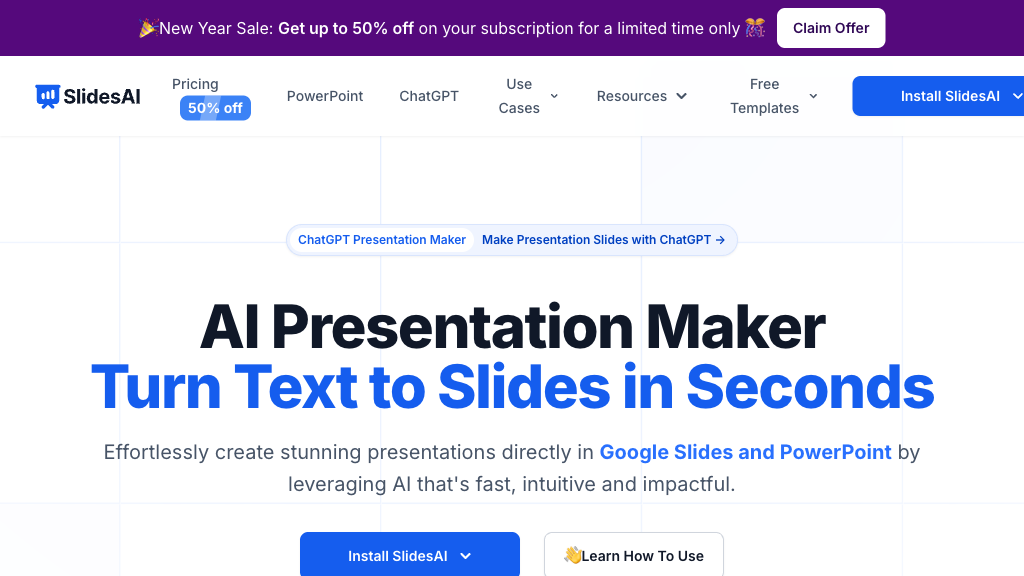
SlidesAI - Reviews: User Feedback, Features, Pros & Cons
Key Features
- AI-Powered Slide Generation: Converts text into structured presentations automatically.
- Customizable Themes and Styles: Offers themes with custom color and font options.
- Integrated AI Content Tools: Provides image generation and paraphrasing features.
- Multi-Language Support: Allows presentation creation in over 100 languages.
Typical Use Cases
Academic Presentations
Ideal for creating lecture slides and reports quickly, saving time for students and educators.
Ideal for creating lecture slides and reports quickly, saving time for students and educators.
Business and Sales Pitches
Enables professionals to produce polished decks that align with corporate branding effortlessly.
Enables professionals to produce polished decks that align with corporate branding effortlessly.
Marketing Content Creation
Facilitates the creation of engaging presentations with AI-enhanced visuals for campaigns.
Facilitates the creation of engaging presentations with AI-enhanced visuals for campaigns.
Best For
- Educators (because it simplifies lecture preparation)
- Business Professionals (because it enhances presentation quality)
- Marketers (because it aids in campaign visual creation)
Read More
Avoid
- If you need PowerPoint integration now
- If you prefer manual slide design
- If offline access is a priority
Pricing Overview
The tool can be accessed with any Google account without needing a paid plan for basic downloads like PPTX or PDF formats.
FAQ
- Do I need a Google Workspace account to use SlidesAI?
No, SlidesAI works with any Google account; no Workspace subscription is required. - Can I download my presentations without a paid plan?
Yes, you can download presentations for free in formats like PPTX and PDF. - How do I install and access SlidesAI?
Install SlidesAI from the Google Workspace Marketplace, then access it via Extensions in Google Slides. - What input types can SlidesAI generate presentations from?
SlidesAI can create presentations from text, topics, PDFs, website URLs, and YouTube links (some features may be in development). - Can I customize the design of my presentations?
Yes, you can choose from preset themes or create custom color and font schemes. - Is SlidesAI compatible with Microsoft PowerPoint?
Currently, SlidesAI works only with Google Slides, but PowerPoint integration is planned. - How do I cancel my SlidesAI subscription?
You can cancel anytime via the 'Your Account' section within the SlidesAI app. - Does SlidesAI support multiple languages?
Yes, it supports over 100 languages for slide generation.
Verdict
SlidesAI is a robust tool that streamlines the presentation creation process through automation and customization features. While limited to Google Slides currently, its potential expansions promise further versatility. It's best suited for those looking to enhance productivity without investing heavily in design skills.
SlidesAI Reviews
No reviews yet
Top Regions of SlidesAI
🇺🇸United States:19.97%
🇮🇳India:4.15%
🇻🇳Vietnam:3.98%
🇮🇹IT:3.03%
🇷🇺RU:2.56%
🌍Others:66.31%
SlidesAI Traffic Trends
Monthly Visits: 630.66K