Summary Pixlr is recognized for its extensive photo editing capabilities, combining AI-driven tools with a user-friendly interface. It supports creative tasks from basic edits to complex compositions, accessible on multiple platforms.

Pixlr
Pixlr is an AI-driven photo editing platform for creatives, offering versatile tools for both beginners and professionals across various devices.
Community:
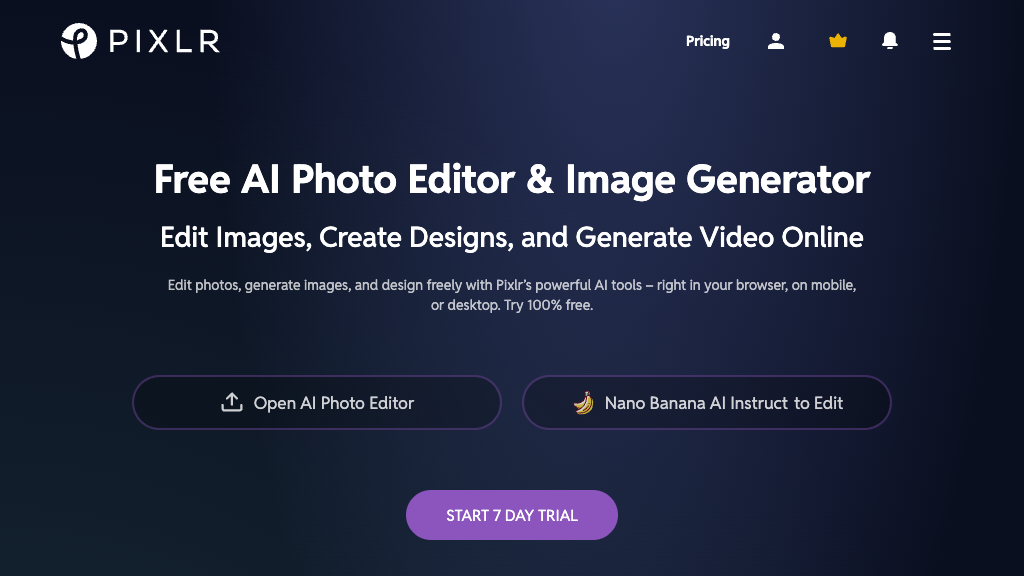
Pixlr - Reviews: User Feedback, Features, Pros & Cons
Key Features
- AI-Powered Editing Tools: Enhance images with automated features like generative fill and face swap.
- Multi-Platform Accessibility: Edit seamlessly on web, iOS, and Android devices.
- Layer-Based Editing: Create intricate compositions with support for multiple layers.
- Templates and Design Resources: Utilize a library of templates for quick graphic creation.
Typical Use Cases
Photo Retouching
Improve portrait quality by removing imperfections and adjusting tones.
Improve portrait quality by removing imperfections and adjusting tones.
Graphic Design
Create visuals using ready-made templates and design elements for marketing or personal use.
Create visuals using ready-made templates and design elements for marketing or personal use.
Background Removal
Easily isolate subjects from backgrounds with advanced AI tools.
Easily isolate subjects from backgrounds with advanced AI tools.
Best For
- Amateur photographers (because of easy-to-use tools)
- Social media managers (because of quick template access)
- Students (because it's budget-friendly and educational)
Read More
Avoid
- Advanced professionals needing full desktop software capabilities
- Users seeking offline functionality
- Those requiring unlimited access without a subscription
Pricing Overview
The platform offers a free version with essential tools, while premium plans provide access to more advanced features.
FAQ
- Is Pixlr free to use?
Yes, Pixlr offers a free version with essential editing tools, while premium plans unlock advanced features. - Do I need to download software to use Pixlr?
No, Pixlr is primarily web-based and accessible via browsers, with optional mobile apps for iOS and Android. - Can Pixlr handle layers like professional software?
Yes, Pixlr supports multi-layer editing, allowing complex image compositions similar to desktop editors. - What AI features does Pixlr provide?
Pixlr includes AI-powered tools such as generative fill, background removal, face swap, and image enhancement.
Verdict
Pixlr is a solid choice for those looking for an accessible yet powerful photo editor that works across multiple devices. While the free version provides basic functionalities, users seeking more robust features may consider premium plans.
Pixlr Reviews
No reviews
Top Regions of Pixlr
🇺🇸United States:24.82%
🇮🇳India:4.73%
🇬🇧United Kingdom:4.32%
🇷🇺RU:3.99%
🇲🇽MX:3.57%
🌍Others:58.56%
Pixlr Traffic Trends
Monthly Visits: 11.97M