Summary Pixelcut AI is a versatile photo editing platform that simplifies the creation of professional-grade images. It excels in automating tasks such as background removal and image upscaling, making it suitable for users with varying levels of expertise. The tool's ease of use and efficient processing capabilities are frequently highlighted.
Pixelcut AI
AI-powered photo editing tool for professionals and beginners to enhance product photos and images efficiently. Ideal for e-commerce and marketing.
Community:
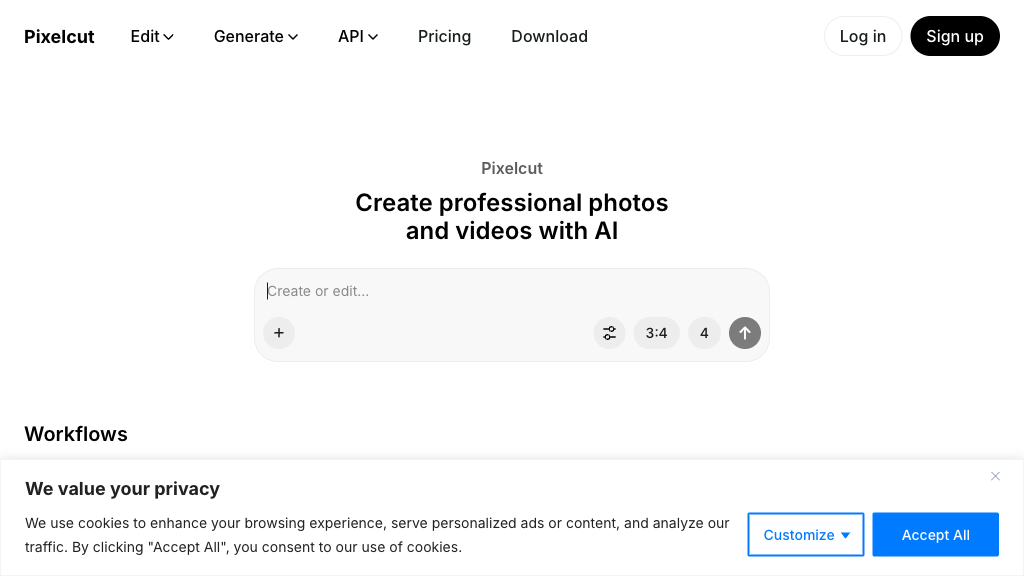
Pixelcut AI - Reviews: User Feedback, Features, Pros & Cons
Key Features
- AI Background Removal: Allows precise removal of backgrounds to create clean visuals.
- AI Background Generator: Offers AI-generated scenes for enhanced visual appeal.
- Image Upscaling: Improves resolution and sharpness without compromising quality.
- Magic Eraser: Removes unwanted objects effortlessly from images.
Typical Use Cases
E-commerce Product Photography
Create polished product images quickly by removing backgrounds and enhancing visuals.
Create polished product images quickly by removing backgrounds and enhancing visuals.
Social Media Content Creation
Generate engaging posts with AI-enhanced photos tailored for social platforms.
Generate engaging posts with AI-enhanced photos tailored for social platforms.
Marketing and Advertising
Produce consistent branding materials using templates and AI tools.
Produce consistent branding materials using templates and AI tools.
Best For
- E-commerce sellers (because it streamlines product photo editing)
- Social media creators (because it enhances visual content easily)
- Small businesses (because it doesn't require expensive design skills)
Read More
Avoid
- Users seeking manual control over every edit
- Professionals requiring advanced retouching features
- Those preferring offline software solutions
Pricing Overview
Pixelcut offers a free version with basic features, along with premium plans that unlock advanced tools and unlimited usage options.
FAQ
- What is Pixelcut AI used for?
Pixelcut AI is used for automated photo editing, including background removal, image upscaling, and object erasing to create professional-quality images. - Do I need photography skills to use Pixelcut?
No, Pixelcut is designed to be user-friendly and requires no prior photography or design experience. - Is there a free version of Pixelcut?
Yes, Pixelcut offers a free version with basic features, with premium plans available for advanced tools and unlimited usage. - Can Pixelcut handle batch editing?
Yes, Pixelcut supports batch processing to edit multiple images at once, saving time for large projects.
Verdict
Pixelcut AI stands out as an effective solution for users looking to enhance their image editing process without extensive expertise or costly resources. Its blend of automated features and user-friendly interface makes it particularly appealing to e-commerce sellers and marketers aiming for efficiency in their workflow.
Pixelcut AI Reviews
No reviews
Top Regions of Pixelcut AI
🇮🇳India:14.98%
🇺🇸United States:8.72%
🇨🇴CO:4.57%
🇮🇩ID:4.16%
🇲🇽MX:4.13%
🌍Others:63.43%
Pixelcut AI Traffic Trends
Monthly Visits: 19.34M