Summary Napkin AI offers a user-friendly approach to creating professional-quality visuals from textual content. It is particularly beneficial for those without graphic design expertise, providing tools to customize and collaborate on infographics, charts, and diagrams efficiently.

Napkin AI
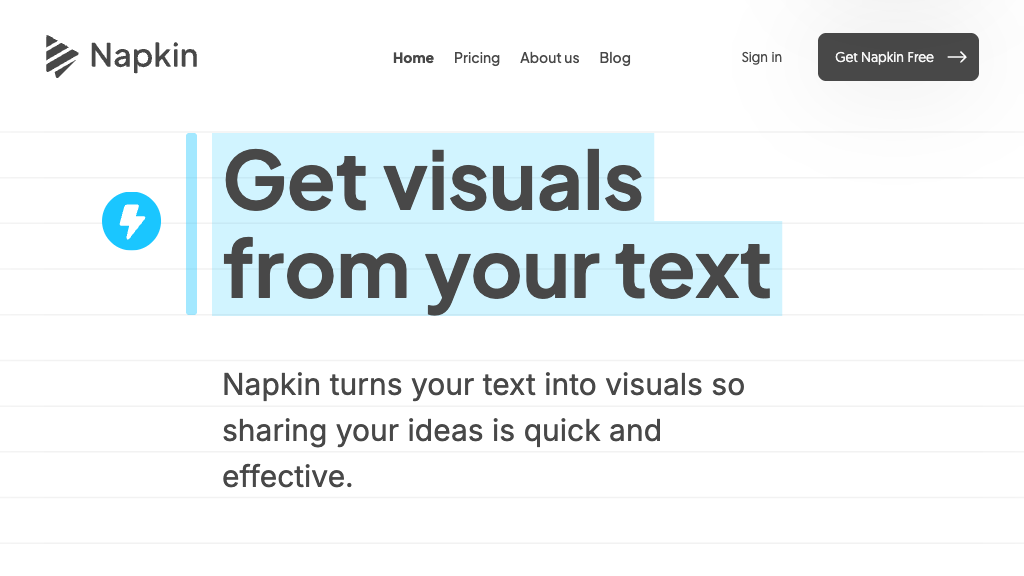
Transform text into professional visuals effortlessly with Napkin AI, perfect for marketers, educators, and content creators.
Community:
Napkin AI - Reviews: User Feedback, Features, Pros & Cons
Key Features
- AI-Powered Visual Generation: Converts text into high-quality infographics and diagrams automatically.
- Customizable Templates and Styles: Allows personalization with a variety of templates and style integrations.
- Multi-Format Export: Offers export options in PNG, SVG, and PDF for diverse applications.
- Collaborative Editing and Sharing: Facilitates teamwork through real-time collaboration features.
Typical Use Cases
Marketing and Content Creation
Create visually appealing marketing materials quickly without needing design skills.
Create visually appealing marketing materials quickly without needing design skills.
Business Process Visualization
Develop flowcharts and diagrams that enhance business communication.
Develop flowcharts and diagrams that enhance business communication.
Education and Training
Simplify complex topics with educational diagrams for better understanding.
Simplify complex topics with educational diagrams for better understanding.
Best For
- Marketers (because it simplifies the creation of engaging visuals)
- Educators (because it aids in developing clear instructional aids)
- Content Creators (because it enhances visual storytelling capabilities)
Read More
Avoid
- Advanced Graphic Designers
- Those needing offline access
- Users requiring extensive free features
Pricing Overview
The platform offers a free Starter Plan for basic use, with advanced features available in paid plans.
FAQ
- What types of visuals can Napkin AI create?
Napkin AI can generate infographics, flowcharts, diagrams, charts, and other data-driven visuals from text input. - Do I need graphic design skills to use Napkin AI?
No, Napkin AI automates the design process, making it easy for anyone to create professional visuals without prior design experience. - Can I customize the visuals generated by Napkin AI?
Yes, you can customize colors, fonts, shapes, and styles to match your brand or personal preferences. - What export formats does Napkin AI support?
Napkin AI allows exporting visuals in PNG, SVG, and PDF formats. - Is Napkin AI suitable for team collaboration?
Yes, it supports real-time collaboration and sharing features to facilitate teamwork. - Can Napkin AI integrate with other productivity tools?
Yes, it integrates with tools like Notion, Trello, and Google Drive to streamline workflows. - Is there a free version of Napkin AI available?
Yes, Napkin AI offers a free Starter Plan with basic features and paid plans for advanced capabilities. - How does Napkin AI help with idea organization?
Napkin AI builds dynamic knowledge graphs that visually connect related ideas and notes, enhancing understanding and creativity.
Verdict
Napkin AI stands out as a versatile tool for transforming text into impactful visuals. While the free version has limitations, its robust customization options and collaborative features make it a valuable asset for non-designers aiming to enhance their visual content efficiently.
Napkin AI Reviews
No reviews
Top Regions of Napkin AI
🇮🇳India:8.99%
🇺🇸United States:8.32%
🇰🇷KR:4.77%
🇹🇼TW:4.30%
🇨🇳CN:4.06%
🌍Others:69.56%
Napkin AI Traffic Trends
Monthly Visits: 2.74M