Summary MiriCanvas provides an accessible platform for creating a wide array of designs, from social media posts to business presentations. With its large template library and rich media resources, it supports users in crafting visually appealing materials. The tool is user-friendly, though some advanced features may be restricted on mobile devices.

MiriCanvas
MiriCanvas is an online design platform ideal for users seeking a variety of templates and creative tools for presentations, social media, and marketing.
Community:
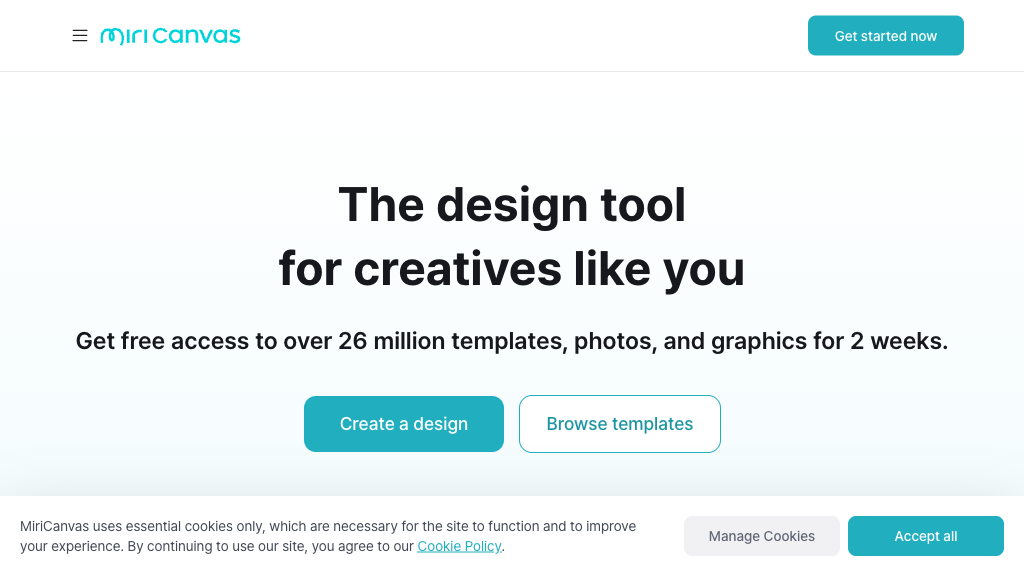
MiriCanvas - Reviews: User Feedback, Features, Pros & Cons
Key Features
- Extensive Template Library: Offers over 530,000 templates for diverse design needs.
- MiriCle Suite: Integrates multiple tools for streamlined design processes.
- Multi-Device Compatibility: Allows seamless design creation across various devices.
- Rich Media Resources: Includes a vast collection of graphic elements to enhance designs.
Typical Use Cases
Educational Presentations
Create engaging educational content with specialized templates.
Create engaging educational content with specialized templates.
Social Media Marketing
Design promotional materials optimized for different platforms.
Design promotional materials optimized for different platforms.
Business Communications
Develop professional reports and branded marketing collateral.
Develop professional reports and branded marketing collateral.
Best For
- Educators (because they can easily create classroom materials)
- Marketers (because it streamlines social media content creation)
- Small businesses (because it offers cost-effective branding solutions)
Read More
Avoid
- Advanced graphic designers
- Users requiring offline access
- Those needing extensive mobile editing capabilities
Pricing Overview
MiriCanvas offers a free plan with basic features, while premium options are available through a Pro subscription at $11.99/month, which unlocks additional tools and resources.
FAQ
- Is MiriCanvas free to use?
Yes, MiriCanvas offers a free plan with access to over 50,000 templates, 350,000+ photos and graphics, and 1GB storage. Premium features require a Pro subscription at $11.99/month. - What file formats can I export my designs in?
MiriCanvas supports multiple export formats including JPG, PNG, PDF, PowerPoint (PPTX), MP4 for videos, and GIF for animations, depending on your design type. - Can I collaborate with team members on designs?
Yes, you can share designs via email links for real-time collaboration, editing, and presenting. Enterprise plans offer advanced team management and collaboration features. - What are MiriCle features?
MiriCle is MiriCanvas's suite of tools including image generation, background removal, content writing, presentation creation, and image editing. Basic features are free with usage limits.
Verdict
MiriCanvas is a versatile tool suitable for various design needs due to its extensive template library and media resources. While it excels in ease of use and collaboration capabilities, those requiring more advanced editing tools might find limitations in its mobile version. Overall, it provides substantial value for educators, marketers, and small business owners.
MiriCanvas Reviews
No reviews
Top Regions of MiriCanvas
🇰🇷KR:95.42%
🇯🇵JP:1.68%
🇺🇸United States:1.03%
🇧🇷Brazil:0.37%
🇻🇳Vietnam:0.14%
🌍Others:1.35%
MiriCanvas Traffic Trends
Monthly Visits: 11.02M