Summary Lovart AI provides a robust solution for transforming text into multimedia content. It excels in automating design processes, offering flexibility across various media types. While it integrates well with existing tools, users note the need for familiarity to leverage all features effectively.
Lovart AI
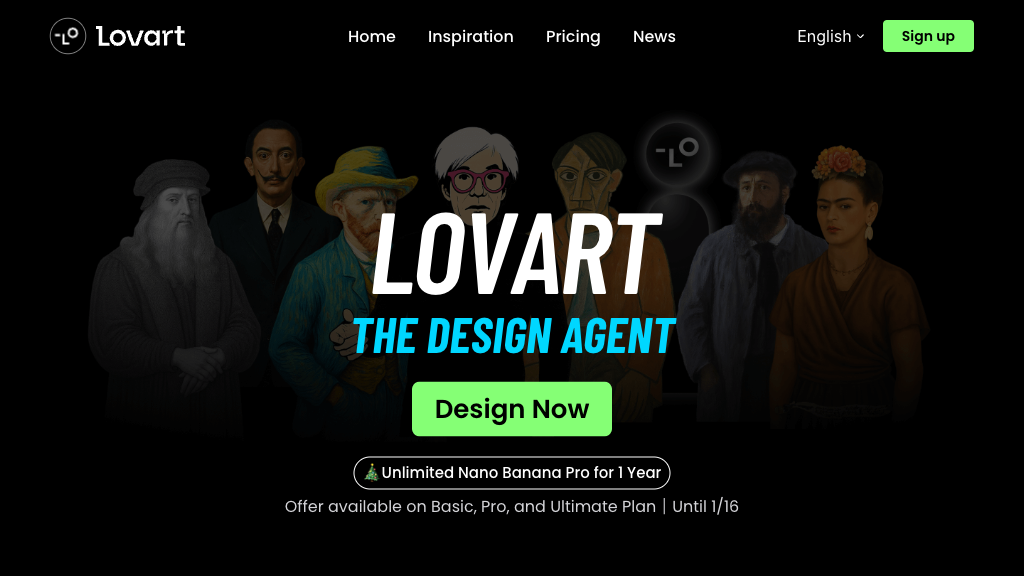
Lovart AI is an automated design tool transforming text prompts into visual, video, and audio assets, suitable for designers and non-designers alike.
Community:
Lovart AI - Reviews: User Feedback, Features, Pros & Cons
Key Features
- Full-Chain Automated Design: Converts prompts into complete multimedia packages automatically.
- Multi-Modal Content Generation: Synchronizes visuals and audio for cohesive campaigns.
- Natural Language Design Interaction: Allows conversational input for creative briefs.
- Intelligent Suggestions & Predictive Editing: Offers real-time design recommendations.
Typical Use Cases
Brand Identity Design
Create comprehensive brand elements swiftly using minimal input.
Create comprehensive brand elements swiftly using minimal input.
Poster and Marketing Material Creation
Generate flexible marketing visuals with easy text-image editing.
Generate flexible marketing visuals with easy text-image editing.
Storyboard and Video Ad Production
Develop professional video content complete with synchronized elements.
Develop professional video content complete with synchronized elements.
Best For
- Designers (because it streamlines complex tasks)
- Marketing Teams (because it enhances campaign creation)
- Non-Designers (because it simplifies asset production)
Read More
Avoid
- Beginners without tech background
- Users needing offline capabilities
- Teams seeking non-collaborative environments
Pricing Overview
The platform is currently in beta, with a waitlist available for early access. Pricing details are yet to be announced post-beta testing.
FAQ
- What is Lovart AI?
Lovart AI is an AI-powered design agent that automates the entire creative process, transforming text prompts into professional visual, video, and audio assets. - Who can use Lovart AI?
Lovart is suitable for designers, marketers, creative teams, and non-designers seeking to quickly generate high-quality design assets. - What types of content can Lovart generate?
Lovart can create images, videos, music, posters, storyboards, brand assets, and more, all from natural language prompts. - Does Lovart support integration with other design tools?
Yes, Lovart integrates with platforms like Photoshop, Figma, and GPT-4o, supporting import and export of major design formats. - How does Lovart handle text and image editing?
Lovart automatically separates text from images in generated assets, making it easy to edit text content, size, and style. - Is Lovart available now?
Lovart is currently in beta. Users can join the waitlist for early access. - Can Lovart be used for team collaboration?
Yes, Lovart supports real-time collaborative editing on a shared canvas, making it ideal for team projects.
Verdict
Lovart AI stands out as a versatile tool for converting ideas into multimedia formats. Its strengths lie in automation and integration capabilities. While promising in its current beta phase, potential users should be prepared for a learning period to fully exploit its features once it becomes generally available.
Lovart AI Reviews
No reviews
Top Regions of Lovart AI
🇨🇳CN:29.45%
🇧🇷Brazil:10.28%
🇺🇸United States:9.41%
🇮🇳India:4.76%
🇹🇼TW:4.01%
🌍Others:42.09%
Lovart AI Traffic Trends
Monthly Visits: 6.77M