Summary LightPDF provides a comprehensive solution for managing PDF documents. Its user-friendly interface combined with powerful features such as AI-powered analysis and OCR make it ideal for both professional and academic use. While basic functions are free, more advanced capabilities may require a subscription.

LightPDF
LightPDF is a versatile cloud-based PDF tool suitable for professionals and researchers seeking comprehensive editing, conversion, and management capabilities.
Community:
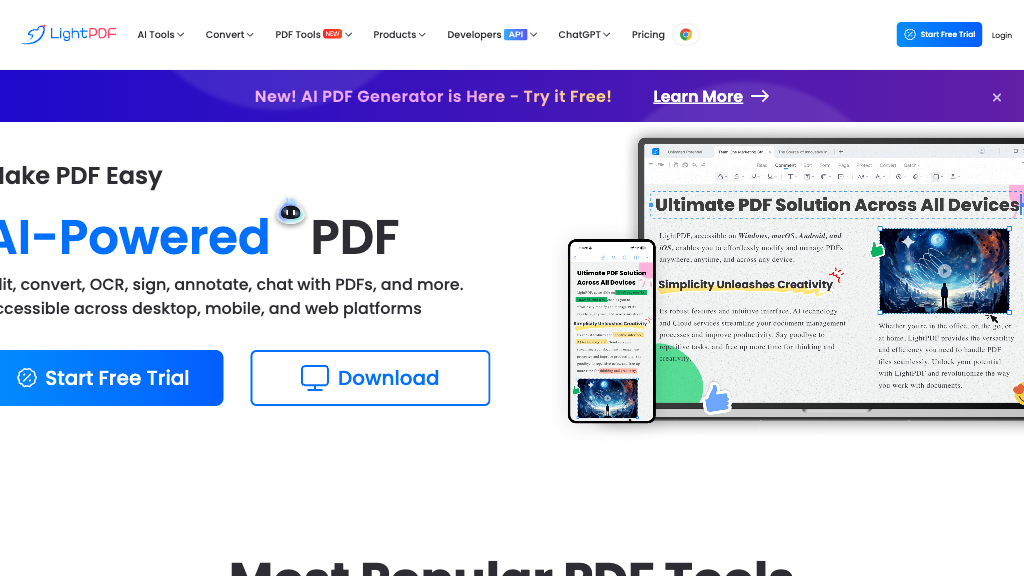
LightPDF - Reviews: User Feedback, Features, Pros & Cons
Key Features
- Comprehensive PDF Editing: Easily edit text, images, and tables within PDFs.
- AI-Powered Document Analysis: Use AI to interact with and gain insights from your PDFs.
- Advanced Conversion Tools: Convert PDFs into formats like Word, Excel, and PPT while maintaining quality.
- Secure File Management: Protect your files with passwords and control editing permissions.
Typical Use Cases
Business Document Management
Edit and secure contracts or reports efficiently with comprehensive tools.
Edit and secure contracts or reports efficiently with comprehensive tools.
Academic Research
Leverage OCR to extract text from scanned documents for detailed analysis.
Leverage OCR to extract text from scanned documents for detailed analysis.
Content Creation
Convert PDFs to various formats to repurpose content across media platforms.
Convert PDFs to various formats to repurpose content across media platforms.
Best For
- Professionals (because it simplifies document management)
- Researchers (because of its OCR and AI capabilities)
- Content Creators (because it supports multiple format conversions)
Read More
Avoid
- Users needing only basic PDF viewing
- Those who avoid subscriptions
- Individuals preferring non-cloud solutions
Pricing Overview
The tool offers free basic features, but advanced functionalities like AI-powered tools may require a paid subscription plan.
FAQ
- Is LightPDF free to use?
Yes, LightPDF offers free features for editing and converting PDFs, but some advanced features require a subscription. - Does LightPDF support OCR?
Yes, LightPDF includes an OCR feature to convert scanned documents into editable text. - Can I protect my PDFs with LightPDF?
Yes, you can set passwords and limit editing, printing, and copying to secure your PDFs. - Is LightPDF available on mobile devices?
Yes, LightPDF is accessible on both desktop and mobile platforms.
Verdict
LightPDF stands out as a versatile tool for those needing robust PDF management capabilities. Its balance between free services and premium options allows users to choose according to their needs. However, individuals seeking only basic functionalities might find it more than necessary.
LightPDF Reviews
No reviews
Top Regions of LightPDF
🇮🇳India:25.38%
🇹🇼TW:5.04%
🇺🇸United States:4.51%
🇧🇷Brazil:3.14%
🇪🇸Spain:3.09%
🌍Others:58.84%
LightPDF Traffic Trends
Monthly Visits: 1.60M