Summary KiloCode offers a robust suite of tools tailored for developers looking to enhance their coding efficiency within VS Code. It combines multiple operational modes, allowing for seamless transitions between planning, designing, coding, and debugging. The open-source framework ensures transparency and flexibility in development processes.
KiloCode
KiloCode is a versatile VS Code extension ideal for developers seeking open-source coding assistance and task automation in multi-modal environments.
Community:
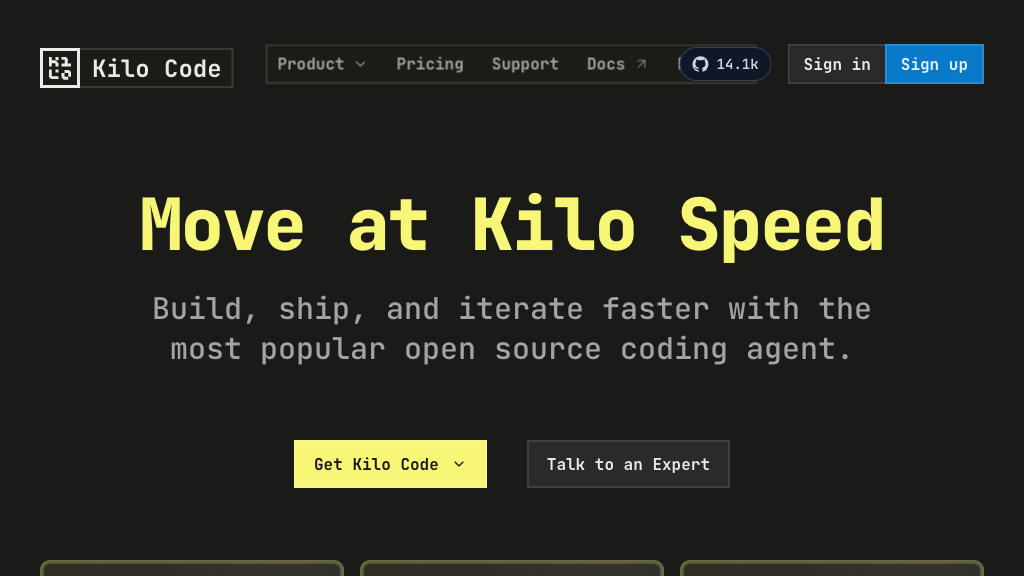
KiloCode - Reviews: User Feedback, Features, Pros & Cons
Key Features
- Multi-Mode Operation: Supports diverse workflows with specialized modes like Orchestrator and Architect for tailored development.
- Comprehensive Tool Ecosystem: Provides tools for file operations and browser automation to streamline the coding environment.
- Open Source Transparency: Offers full access to the codebase, encouraging user contributions and customization without vendor lock-in.
- Zero-Commission Pricing: Matches provider rates directly with no markup, plus $20 free credits for premium features.
Typical Use Cases
Complex Project Planning
Ideal for architects who need to decompose large projects into manageable parts using Orchestrator mode.
Ideal for architects who need to decompose large projects into manageable parts using Orchestrator mode.
Rapid Prototyping
Facilitates quick application development from natural language descriptions, perfect for fast-paced projects.
Facilitates quick application development from natural language descriptions, perfect for fast-paced projects.
Code Debugging and Optimization
Aids teams in identifying issues systematically with Debug mode and provides refactoring suggestions.
Aids teams in identifying issues systematically with Debug mode and provides refactoring suggestions.
Best For
- Software Developers (because it enhances workflow efficiency)
- Project Managers (because it aids in comprehensive planning)
- QA Teams (because it supports automated testing)
Read More
Avoid
- Beginners (may find the features overwhelming)
- Simplistic Projects (unnecessary for basic tasks)
- Non-VS Code Users (requires VS Code environment)
Pricing Overview
KiloCode follows a transparent pricing model where users pay directly based on provider rates without additional fees. New users receive $20 in free credits, offering an economical start with premium models.
FAQ
- Is KiloCode completely free to use?
KiloCode extension is open-source and free. You pay only for LLM token usage at provider rates with no markup, plus get $20 free credits to start. You can also use your own API keys or local models. - How does KiloCode differ from Cline and Roo Code?
KiloCode combines all features from both Cline and Roo Code, plus adds unique capabilities like multi-mode operation, MCP marketplace integration, and enhanced customization options. - What programming languages does KiloCode support?
KiloCode works with any programming language supported by VS Code. It can generate, refactor, and debug code across multiple languages and frameworks. - Can I use KiloCode offline or with local models?
Yes, KiloCode supports local model integration for offline use and enhanced privacy. You can configure it to work with locally hosted language models.
Verdict
KiloCode stands out as a comprehensive tool for developers seeking an integrated solution within VS Code. While its extensive features provide significant advantages in managing complex projects, new users might face a learning curve. Overall, it is well-suited for professionals aiming to optimize their coding workflows efficiently.
KiloCode Reviews
No reviews
Top Regions of KiloCode
🇳🇬Nigeria:5.30%
🇰🇭KH:4.43%
🇸🇦SA:3.18%
🇪🇹ET:3.16%
🇺🇿UZ:2.74%
🌍Others:81.19%
KiloCode Traffic Trends
Monthly Visits: 163.99K