Summary FlexClip is recognized for its user-friendly interface and powerful AI-driven tools that assist in creating high-quality videos efficiently. It offers a wide range of templates and media resources, making it suitable for various video production needs. Users appreciate the platform's capability to handle both simple and complex editing tasks.
FlexClip
FlexClip is an online video editor with AI tools and templates, ideal for users of all skill levels to create professional videos effortlessly.
Community:
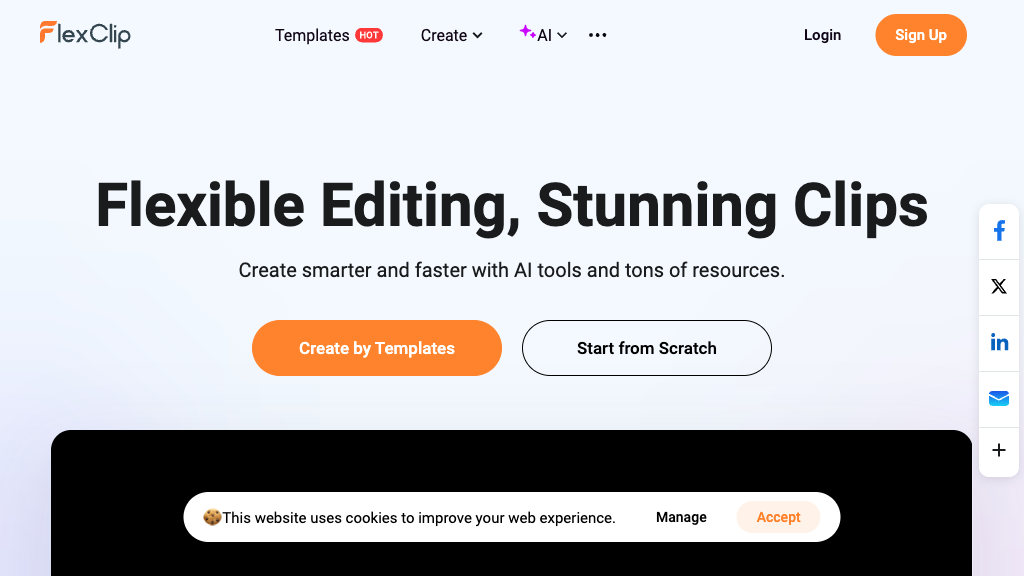
FlexClip - Reviews: User Feedback, Features, Pros & Cons
Key Features
- AI-Powered Video Creation: Allows users to generate videos from text or URLs using advanced AI technologies.
- Extensive Template Library: Offers over 6,000 templates across diverse categories for quick project initiation.
- Comprehensive Editing Tools: Provides a suite of tools for trimming, merging, adding effects, and more.
- Rich Media Resources: Access to millions of stock videos, photos, music tracks, and dynamic elements.
Typical Use Cases
Marketing and Business Videos
Create engaging promotional content quickly using specialized templates and AI enhancements.
Create engaging promotional content quickly using specialized templates and AI enhancements.
Social Media Content Creation
Produce platform-optimized videos with trendy effects to enhance social media presence.
Produce platform-optimized videos with trendy effects to enhance social media presence.
Educational and Training Videos
Develop informative videos with voiceovers and subtitles to facilitate learning.
Develop informative videos with voiceovers and subtitles to facilitate learning.
Best For
- Content Creators (because it simplifies video production with AI tools)
- Marketing Professionals (because it offers high-quality export options)
- Educators (because it provides features for instructional video creation)
Read More
Avoid
- Advanced Editors seeking intricate customization options
- Users needing offline editing capabilities
- Those on a tight budget looking for comprehensive free features
Pricing Overview
The platform offers a free plan with basic features while advanced functionalities require subscription plans. Export quality can reach up to 4K depending on the plan chosen.
FAQ
- Is FlexClip free to use?
Yes, FlexClip offers a free plan with access to basic editing features and templates, with paid plans for advanced tools and higher export quality. - What AI features does FlexClip provide?
FlexClip includes AI video generation from text or URLs, AI script writing, text-to-speech, automatic subtitle generation, background removal, and translation. - Can I export videos in 4K resolution?
Yes, FlexClip supports exporting videos up to 4K resolution depending on your subscription plan. - Does FlexClip support collaboration?
Yes, it offers cloud storage and team collaboration features to work on projects together efficiently.
Verdict
Overall, FlexClip is a robust choice for those seeking an easy-to-use yet powerful video editing solution. Its combination of AI functionalities and extensive resources caters well to both beginners and professionals in various fields such as marketing, education, and content creation. While the free version may suffice for basic needs, advanced projects might require upgrading to a paid plan.
FlexClip Reviews
No reviews
Top Regions of FlexClip
🇺🇸United States:8.96%
🇮🇳India:8.47%
🇹🇼TW:7.93%
🇧🇷Brazil:5.38%
🇵🇰PK:4.97%
🌍Others:64.28%
FlexClip Traffic Trends
Monthly Visits: 2.62M