Summary Evoto AI is a versatile tool that enhances photo editing efficiency with its AI-driven features. It is particularly beneficial for photographers who require natural-looking retouches and streamlined workflows through batch processing and tethered shooting.
Evoto AI
Evoto AI is a photo editing tool ideal for professional photographers, offering advanced AI features for efficient portrait retouching and batch processing.
Community:
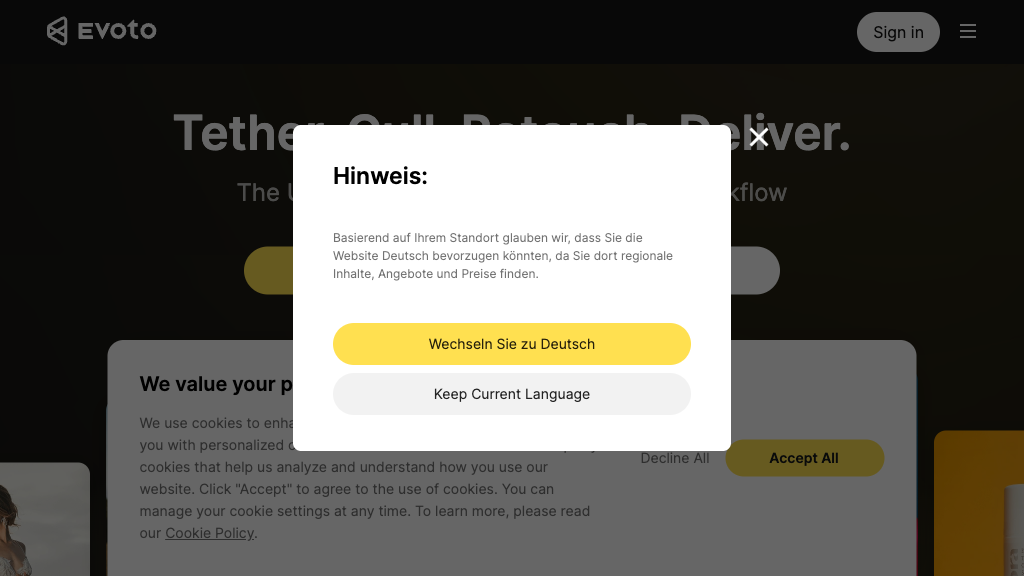
Evoto AI - Reviews: User Feedback, Features, Pros & Cons
Key Features
- AI-Powered Portrait Retouching: Enhances skin tones and removes imperfections while maintaining a natural look.
- Batch Processing: Ensures consistent edits across multiple images quickly.
- Background Editing: Easily modifies backgrounds with AI tools for perfect compositions.
- Tethered Shooting: Enables instant photo transfer and live editing directly from your camera.
Typical Use Cases
Professional Portrait Photography
Utilize natural retouching and batch edits to enhance portraits efficiently, speeding up client delivery times.
Utilize natural retouching and batch edits to enhance portraits efficiently, speeding up client delivery times.
Event and Wedding Photography
Manage large volumes of photos with consistent quality using tethered shooting and batch processing capabilities.
Manage large volumes of photos with consistent quality using tethered shooting and batch processing capabilities.
E-commerce and Product Photography
Standardize product images with tools like background removal and color adjustments for online stores.
Standardize product images with tools like background removal and color adjustments for online stores.
Best For
- Professional photographers (because it offers precise editing tools)
- E-commerce businesses (because it provides batch processing for product images)
- Event photographers (because it supports managing large photo sets efficiently)
Read More
Avoid
- Casual users looking for free tools
- Photographers needing extensive device support on lower plans
- Those requiring offline editing solutions
Pricing Overview
The software offers a free version with basic editing features; however, exporting images requires purchasing a subscription plan tailored to different device limits.
FAQ
- What platforms does Evoto AI support?
Evoto AI is available on macOS, Windows, and iPadOS. - Can I edit multiple photos at once?
Yes, Evoto AI supports batch processing to apply edits across many images simultaneously. - Does Evoto AI support tethered shooting?
Yes, you can connect your camera for real-time photo transfer and editing. - Are the AI retouching edits natural looking?
Evoto AI maintains skin texture and natural tones while enhancing portraits.
Verdict
Evoto AI stands out in the photo editing software market by combining advanced artificial intelligence with user-friendly features that cater to professional needs. While it excels in offering efficient workflow solutions, potential users should consider the subscription model required for full functionality.
Evoto AI Reviews
No reviews
Top Regions of Evoto AI
🇺🇸United States:20.89%
🇰🇷KR:10.17%
🇧🇷Brazil:7.57%
🇻🇳Vietnam:6.71%
🇯🇵JP:5.67%
🌍Others:48.98%
Evoto AI Traffic Trends
Monthly Visits: 1.09M