Summary MindMaster provides a flexible platform for visualizing complex ideas with ease. It supports real-time collaboration and offers advanced features like file format conversion and rich customization options, making it a reliable tool for both personal and professional use.
亿图脑图
Cloud-based mind mapping software ideal for individuals and enterprise teams, offering cross-platform access and intelligent content processing.
Community:
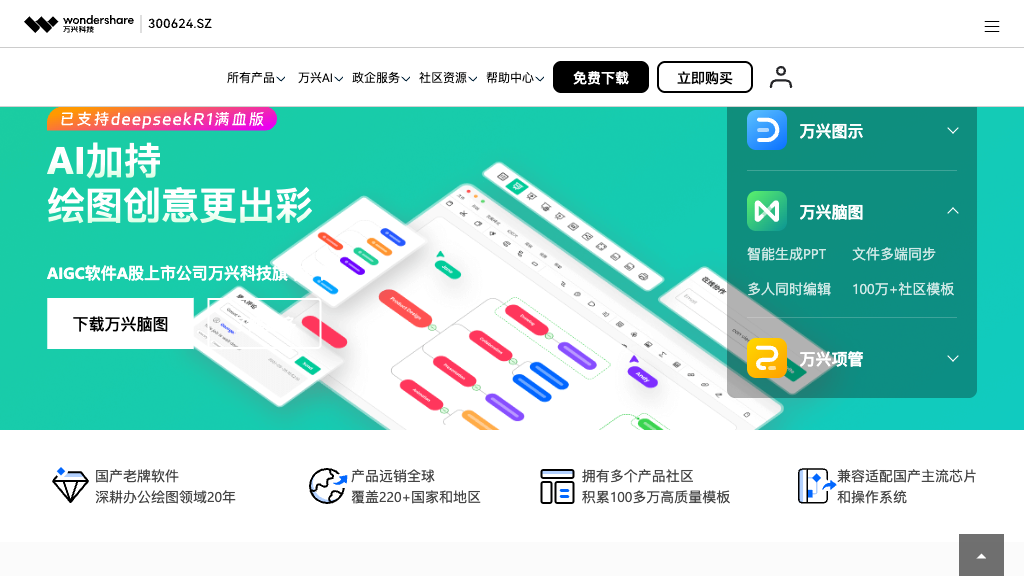
亿图脑图 - Reviews: User Feedback, Features, Pros & Cons
Key Features
- Cross-Platform Synchronization: Ensures consistent access and updates across devices with cloud support.
- Intelligent Content Processing: Converts various document types into mind maps effortlessly.
- Real-Time Collaboration: Allows multiple users to edit simultaneously with efficient teamwork tools.
- Rich Visual Customization: Offers numerous layouts and themes to personalize mind maps.
Typical Use Cases
Project Planning
Visualize projects by breaking them down into tasks, facilitating clearer coordination and management.
Visualize projects by breaking them down into tasks, facilitating clearer coordination and management.
Educational Content Creation
Create educational materials that enhance learning through structured visual representations.
Create educational materials that enhance learning through structured visual representations.
Business Strategy Development
Utilize templates and brainstorming tools for effective strategic planning.
Utilize templates and brainstorming tools for effective strategic planning.
Best For
- Project managers (because of comprehensive task visualization)
- Educators (because of enhanced learning material creation)
- Business strategists (because of strategic planning tools)
Read More
Avoid
- Simplistic needs
- Limited internet access
- User interface complexity
Pricing Overview
The pricing structure is designed to accommodate both individual users and larger teams, ensuring flexibility in accessing advanced features.
FAQ
- What platforms does MindMaster support?
MindMaster works on Windows, Mac, Linux desktops, web browsers, iOS, and Android devices with cloud synchronization across all platforms. - Can multiple people edit the same mind map simultaneously?
Yes, MindMaster supports real-time collaborative editing where multiple users can view and edit the same mind map simultaneously with live updates. - What file formats can be converted into mind maps?
MindMaster can convert Word, Excel, PDF, PowerPoint, HTML, Markdown, audio/video files, and other mind mapping formats into structured mind maps. - Is there a limit to the number of nodes in a mind map?
MindMaster supports up to 20,000+ nodes without performance issues, making it suitable for complex and detailed mind mapping projects.
Verdict
MindMaster stands out as a versatile tool for both individual users seeking creative expression and teams requiring collaborative efficiency. While its broad range of features may present a learning curve for some users, its comprehensive capabilities make it a valuable asset in various domains such as project management and education.
亿图脑图 Reviews
No reviews
Top Regions of 亿图脑图
🇨🇳CN:90.95%
🇸🇬SG:2.29%
🇺🇸United States:1.64%
🇭🇰HK:1.31%
🇹🇼TW:1.05%
🌍Others:2.75%
亿图脑图 Traffic Trends
Monthly Visits: 341.38K