Summary Edraw.AI provides a robust platform for creating diagrams and mind maps through AI technology. It supports real-time team collaboration and offers an extensive library of templates and icons. Users can export their projects in multiple formats, enhancing accessibility and versatility.
Edraw.AI
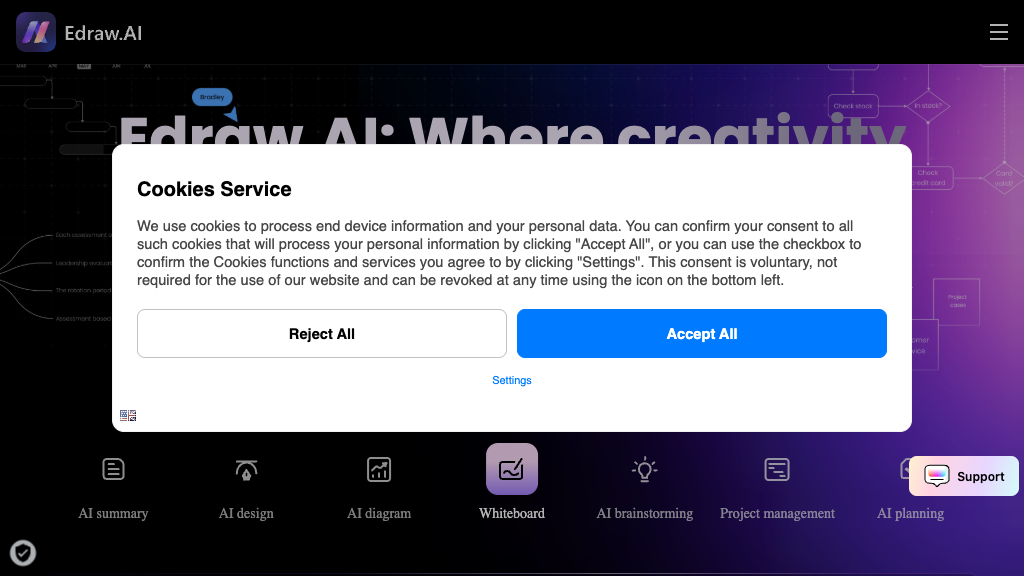
Edraw.AI is a visual collaboration tool leveraging AI for diagram creation, ideal for teams and individuals seeking enhanced workflow efficiency.
Community:
Edraw.AI - Reviews: User Feedback, Features, Pros & Cons
Key Features
- AI-Powered Diagram and Mind Map Generation: Automatically generate complex visuals from text inputs.
- Extensive Template and Icon Library: Access a wide range of templates and icons for various diagram types.
- Real-Time Team Collaboration: Engage with team members simultaneously on shared projects.
- Multi-Format Export and Sharing: Easily export or share your work across different platforms.
Typical Use Cases
Business Process Visualization
Create detailed flowcharts and diagrams to improve workflow efficiency.
Create detailed flowcharts and diagrams to improve workflow efficiency.
Team Brainstorming and Planning
Utilize collaborative tools to foster idea generation and project planning.
Utilize collaborative tools to foster idea generation and project planning.
Educational Content Creation
Develop engaging educational materials with ease using AI assistance.
Develop engaging educational materials with ease using AI assistance.
Best For
- Project Managers (because they can optimize workflows)
- Educators (because it aids in creating interactive content)
- Design Teams (because it enhances collaborative efforts)
Read More
Avoid
- Solely offline users
- Those needing highly customized design software
- Users requiring intense graphic design capabilities
Pricing Overview
The platform offers a free version, allowing users to explore its features by creating basic presentations and diagrams before committing to a paid plan.
FAQ
- What types of diagrams can I create with Edraw.AI?
Edraw.AI supports over 210 diagram types including flowcharts, mind maps, organizational charts, fishbone diagrams, and presentations. - Can multiple users collaborate on the same project simultaneously?
Yes, Edraw.AI allows real-time collaboration where team members can co-edit, comment, and share projects seamlessly. - Does Edraw.AI require design skills to use?
No, the platform offers AI-powered generation and extensive templates, making it easy for users without design experience. - How can I share my work created in Edraw.AI?
You can export your work in multiple formats like PDF, PPTX, SVG, or share it directly via links and social media.
Verdict
Edraw.AI stands out as an effective tool for generating a wide variety of diagrams with minimal effort. Its real-time collaboration feature is particularly beneficial for teams working remotely. While it may not suit those requiring advanced graphic design capabilities, it remains an excellent choice for most visual communication tasks.
Edraw.AI Reviews
No reviews yet
Top Regions of Edraw.AI
🇺🇸United States:16.55%
🇮🇳India:13.96%
🇮🇩ID:4.55%
🇵🇭PH:3.75%
🇵🇰PK:2.90%
🌍Others:58.29%
Edraw.AI Traffic Trends
Monthly Visits: 484.55K