Summary CopyCoder facilitates the transition from UI designs to code, offering a streamlined approach for both developers and non-coders. It supports various frameworks and provides project management features, making it a versatile tool for application development.
CopyCoder
CopyCoder is an AI tool for converting UI designs into coding prompts, suitable for developers and non-coders to streamline app development.
Community:
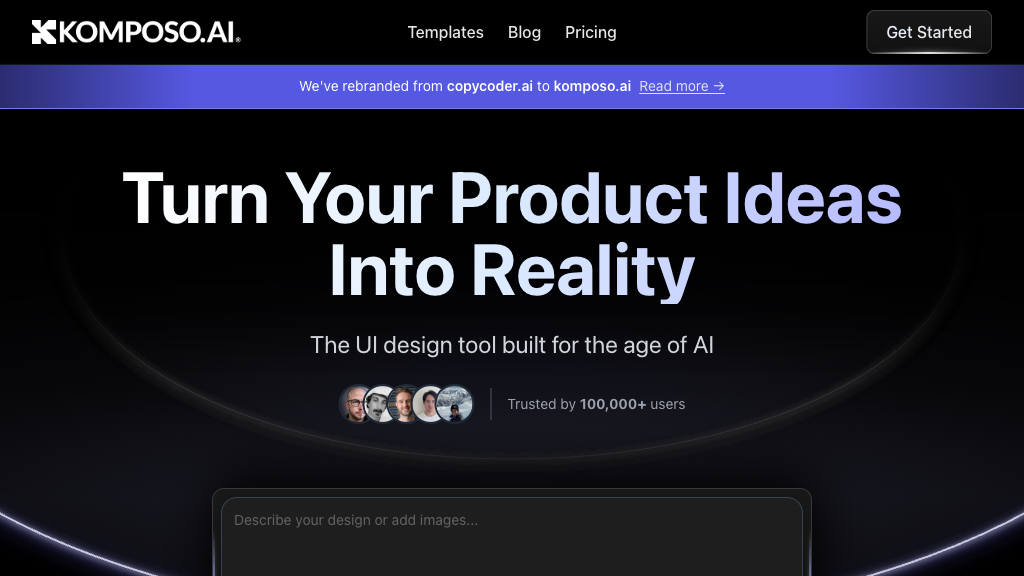
CopyCoder - Reviews: User Feedback, Features, Pros & Cons
Key Features
- Image-to-Code Conversion: Easily transforms visual designs into structured code prompts.
- Optimized AI Prompt Generation: Generates precise prompts tailored for popular AI coding assistants.
- Multi-Framework Support: Compatible with React, Vue, Angular, and standard web technologies.
- Project and Version Management: Facilitates collaboration and version tracking within projects.
Typical Use Cases
Rapid Application Development
Convert designs swiftly into deployable code, reducing time from concept to launch.
Convert designs swiftly into deployable code, reducing time from concept to launch.
Non-Coder Friendly Development
Create web applications using AI-generated prompts without extensive coding expertise.
Create web applications using AI-generated prompts without extensive coding expertise.
UI/UX Design Implementation
Ensure accurate translation of design mockups into clean, maintainable code.
Ensure accurate translation of design mockups into clean, maintainable code.
Best For
- Developers (because it streamlines code generation)
- Non-technical users (because it simplifies app creation)
- Design teams (because it ensures design fidelity in code)
Read More
Avoid
- Complex backend systems
- Standalone graphic design work
- Projects requiring niche framework support
Pricing Overview
The pricing structure is designed to accommodate a range of users, providing flexibility depending on project needs and scale.
FAQ
- What types of design files does CopyCoder support?
CopyCoder supports image formats like PNG, JPG, SVG, and design links such as Figma. - Which AI coding assistants does CopyCoder integrate with?
It generates prompts optimized for Cursor, Bolt, v0, and other popular AI coding tools. - Can CopyCoder generate code for different front-end frameworks?
Yes, it supports React, Vue, Angular, and standard HTML/CSS/JavaScript frameworks. - Is CopyCoder suitable for non-developers?
Yes, it simplifies coding by generating AI prompts, enabling non-coders to build applications easily. - How does CopyCoder help with project management?
It allows multiple projects, version control, and team collaboration within the platform. - Does CopyCoder provide real-time coding assistance?
Yes, it offers interactive editing with AI suggestions to improve code quality and performance. - Is my design data secure on CopyCoder?
CopyCoder employs enterprise-grade security measures to protect your data privacy. - How can I get support or report issues?
Users can submit feedback and bug reports directly through the platform for continuous improvement.
Verdict
CopyCoder is a robust tool that effectively converts design concepts into functional code. Its versatility across frameworks makes it ideal for diverse project needs while maintaining ease of use for non-coders. However, those seeking niche integrations might need additional solutions.
CopyCoder Reviews
No reviews
Top Regions of CopyCoder
🇻🇳Vietnam:23.02%
🇺🇸United States:15.92%
🇮🇳India:12.71%
🇹🇷TR:10.55%
🇳🇱NL:9.38%
🌍Others:28.42%
CopyCoder Traffic Trends
Monthly Visits: 7.24K