Summary Cline provides developers with a powerful tool for managing codebases through intelligent analysis and a unique Plan and Act workflow. It emphasizes privacy by keeping all processes on local machines, ensuring data security and compliance with enterprise standards.

Cline
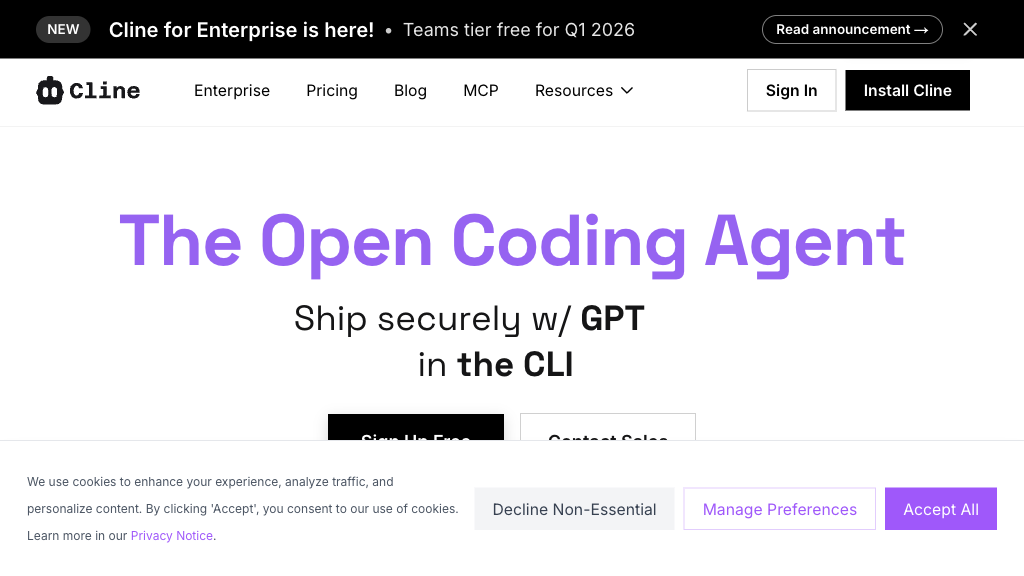
Cline is an open-source coding agent designed for developers needing deep codebase understanding and control, supporting VS Code and JetBrains IDEs.
Community:
Cline - Reviews: User Feedback, Features, Pros & Cons
Key Features
- Plan and Act Workflow: Enables strategic exploration before code modification.
- Model Agnosticity: Supports multiple AI models without markup on inference costs.
- Intelligent Codebase Understanding: Analyzes large codebases while managing context effectively.
- Cross-Platform Native Integration: Integrates seamlessly with VS Code and JetBrains IDEs.
Typical Use Cases
Multi-File Refactoring
Cline excels in refactoring complex systems by understanding existing patterns and maintaining project consistency.
Cline excels in refactoring complex systems by understanding existing patterns and maintaining project consistency.
Enterprise Software Development
Suits large organizations needing complete code privacy and transparency in AI processing.
Suits large organizations needing complete code privacy and transparency in AI processing.
Full-Stack Feature Development
Cline assists in developing features across multiple repositories, ensuring production-ready outcomes.
Cline assists in developing features across multiple repositories, ensuring production-ready outcomes.
Best For
- Developers seeking privacy (because client-side processing keeps data secure)
- Enterprises needing compliance (because it meets strict security standards)
- Teams using diverse AI models (because of model agnosticity)
Read More
Avoid
- Users unfamiliar with setup processes
- Small teams not needing extensive features
- Those requiring server-side execution
Pricing Overview
Cline is free and open-source, with costs only associated with AI models used through external providers. Enterprise features are available via Cline Teams.
FAQ
- Does Cline send my code to external servers?
No. Cline uses client-side architecture where your code runs entirely on your machine. Your API keys connect directly to AI providers, and Cline never routes code through its own servers. This ensures complete data sovereignty and meets strict enterprise compliance requirements. - What AI models can I use with Cline?
Cline supports any model you provide through your own API keys, including Claude, GPT-4, Gemini, local models via Ollama, AWS Bedrock, and Azure OpenAI. You can switch between models instantly and combine different ones for different tasks. - How is Cline different from Cursor or other coding assistants?
Cline offers Plan and Act modes where you review comprehensive strategies before implementation begins, preventing unnecessary code changes. You bring your own API keys with zero markup on inference costs, have complete control over model selection, and get transparent context usage metrics. The codebase is fully open-source for audit. - What is Plan and Act mode?
Plan mode is read-only exploration where Cline analyzes your codebase and proposes implementation strategies without modifying any code. Act mode allows implementation after you explicitly approve the plan. This separation ensures higher-quality code and prevents unwanted changes.
Verdict
Cline stands out as a versatile tool for developers who prioritize privacy and control over their coding environment. Its integration capabilities across major IDEs make it a valuable asset for both individual developers and large enterprises looking for robust development solutions without compromising on data security.
Cline Reviews
No reviews
Top Regions of Cline
🌍Others:100.00%