Summary AiPPT effectively streamlines the process of creating professional presentations by automating slide generation from text and data inputs. It is particularly beneficial for those who need to produce high-quality decks quickly without manual design effort.
AiPPT
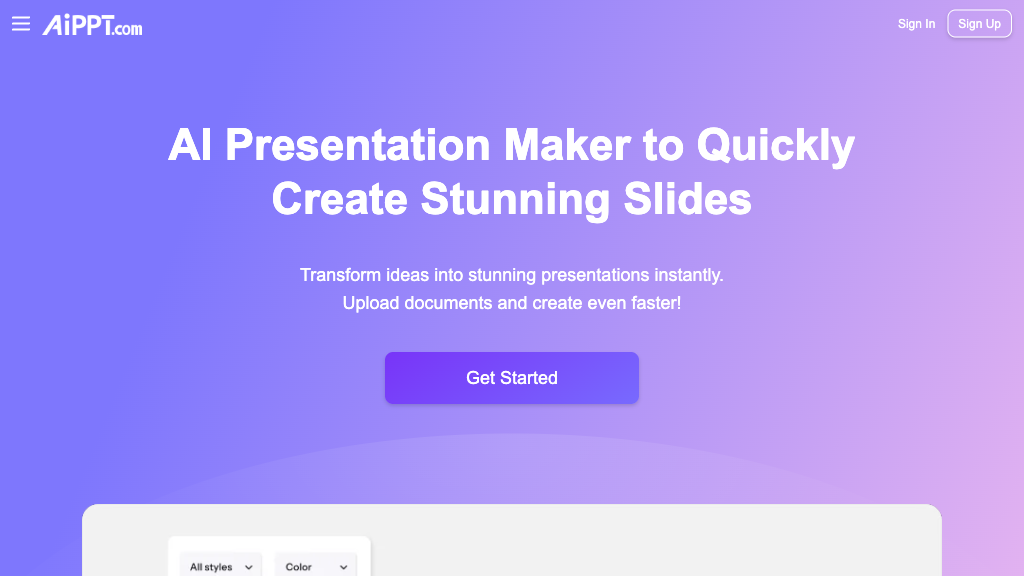
AiPPT transforms text and data into professional presentations with ease, ideal for business professionals, educators, and researchers.
Community:
AiPPT - Reviews: User Feedback, Features, Pros & Cons
Key Features
- One-Click Presentation Generation: Transforms text into structured slides with ease.
- Extensive Template Library: Provides a vast array of customizable templates.
- Smart Content Adaptation: Adjusts content to fit aesthetically within slides.
- Real-Time Collaboration: Supports simultaneous editing by multiple users.
Typical Use Cases
Business Presentations
Ideal for crafting polished decks for meetings and pitches efficiently.
Ideal for crafting polished decks for meetings and pitches efficiently.
Educational Materials
Facilitates the creation of lecture slides and academic presentations.
Facilitates the creation of lecture slides and academic presentations.
Research Presentations
Simplifies the visualization of complex data in clear, compelling slides.
Simplifies the visualization of complex data in clear, compelling slides.
Best For
- Business professionals (because it speeds up presentation creation)
- Educators (because it aids in preparing instructional materials)
- Researchers (because it helps present data clearly)
Read More
Avoid
- Users needing offline access
- Those requiring bespoke design elements
- Individuals with limited internet access
Pricing Overview
AiPPT offers a range of features available through a cloud-based platform, which requires an active internet connection to utilize its full capabilities effectively.
FAQ
- What is AiPPT?
AiPPT is an AI-powered tool that automatically generates professional PowerPoint and Google Slides presentations from text and data inputs. - Can I customize the generated presentations?
Yes, AiPPT offers extensive customization options including templates, layouts, colors, and slide elements. - Does AiPPT support collaboration?
Yes, multiple users can collaborate on the same presentation in real-time. - What file formats can I export my presentations in?
Presentations can be downloaded in PPTX and PDF formats. - Is an internet connection required to use AiPPT?
Yes, AiPPT is a cloud-based platform and requires internet access for all features. - Can AiPPT handle complex data for presentations?
Yes, it can integrate and visually present complex data from various sources effectively. - Is there customer support available?
AiPPT provides tutorials, FAQs, and dedicated customer support to assist users. - Who can benefit most from AiPPT?
Business professionals, educators, researchers, marketers, and students can all benefit from AiPPT’s automated presentation capabilities.
Verdict
AiPPT stands out as a valuable tool for those needing quick and professional presentation solutions. Its automation features save time while maintaining quality output. However, reliance on an internet connection may limit accessibility for some users.
AiPPT Reviews
No reviews yet
Top Regions of AiPPT
🇮🇳India:20.92%
🇮🇩ID:10.32%
🇺🇸United States:6.49%
🇯🇵JP:4.68%
🇨🇳CN:4.00%
🌍Others:53.59%
AiPPT Traffic Trends
Monthly Visits: 797.93K